Upload a yard photo
Choose a clear daylight view of your front yard, backyard, or garden.
AI GARDEN DESIGN FROM A PHOTO
Upload a real yard or garden photo and explore planting, planting-area, and outdoor living ideas in your own setting.
Both the starting images and edited concepts are AI-generated illustrations, not customer photos or verified HomeDesign results.
Natural backyard
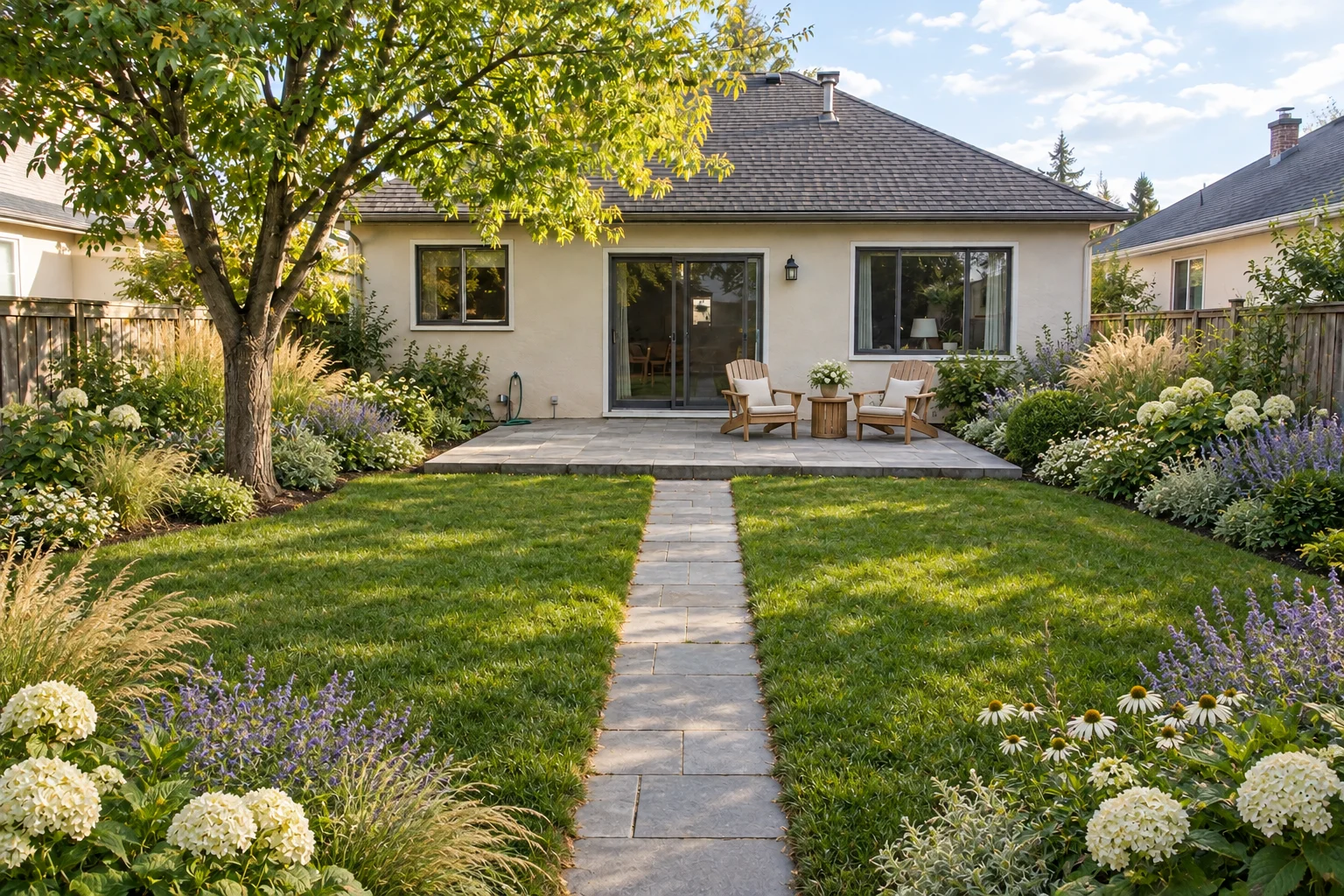
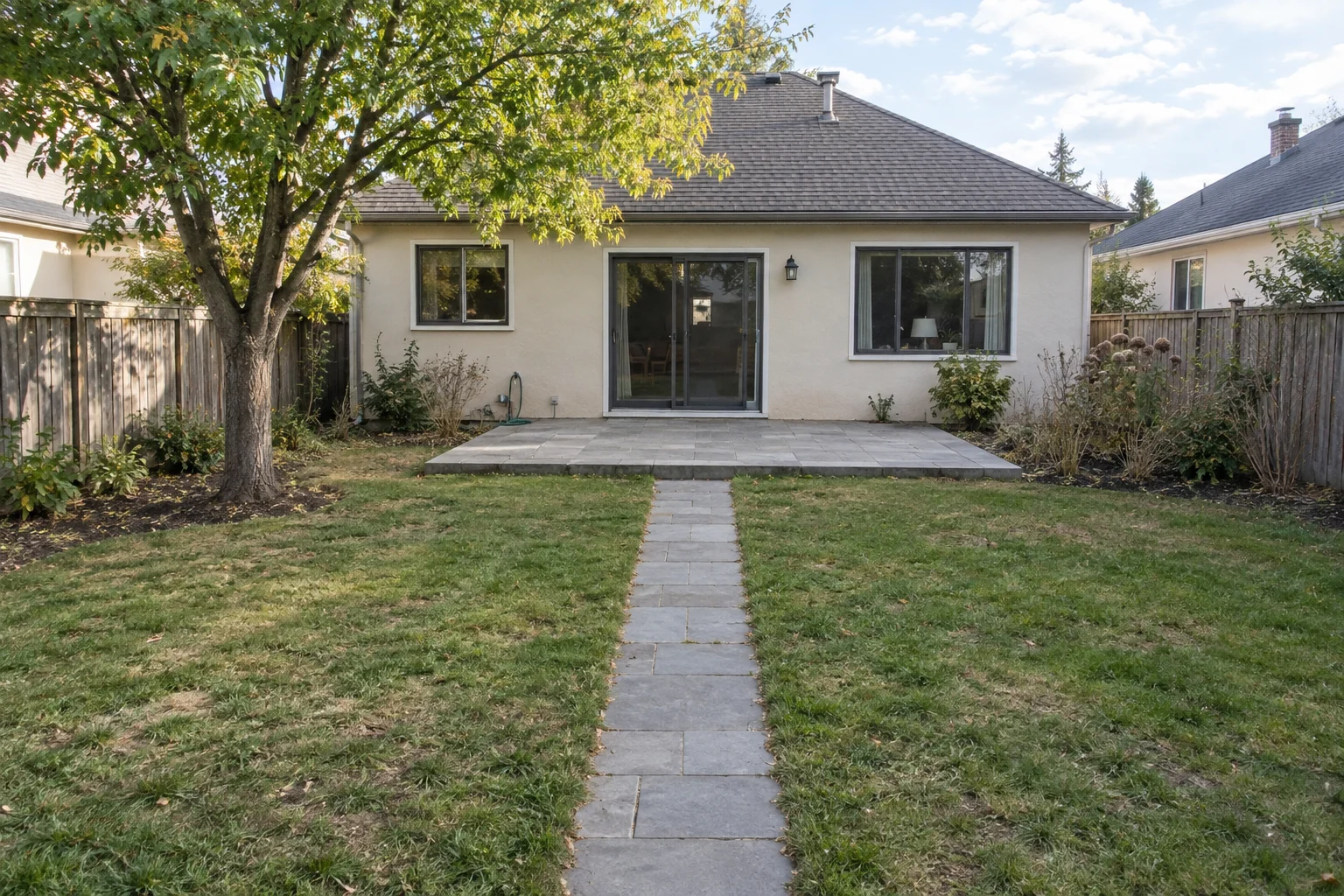
AI-generated illustration. Starting scene: a plain lawn and sparse borders. Adds layered flowers, grasses and patio seating while retaining the house, main path, patio, fence and mature tree.
Follow the same backyard from its starting photo to a natural garden concept.
Choose a clear daylight view of your front yard, backyard, or garden.
For this backyard, choose Natural and ask for layered flowers, grasses, and patio seating.
Compare the redesigned backyard with its starting photo, then download the concept you like.
Choose the package that fits your project.
Includes:
Includes:
Includes:
Includes:
Nano Banana
Nano Banana 2 1K
Nano Banana 2 2K
Nano Banana 2 4K
Nano Banana Pro 1K
Nano Banana Pro 2K
Nano Banana Pro 4K
GPT Image 2 Low
GPT Image 2 Medium
GPT Image 2 High
Answers about creating garden and yard concepts from a photo.
Upload a clear photo of your yard, choose an area and landscape style, and describe the changes you want. HomeDesign uses the photo as a starting point for a visual concept, helping you explore planting beds, paths, seating and the overall look before renovating.
Yes. For a front yard, explore entrance planting, flower beds and walkway ideas. For a backyard, try seating areas, garden borders and different balances of lawn and planting. Choose the matching area and describe how you want to use the space.
You can explore ideas for a small garden or courtyard from its photo. Describe priorities such as a compact seating area, planting along the edges or keeping a clear walking route. The result helps you compare visual options; check dimensions on site before making changes.
Choose a preset such as Natural, Modern Minimal or Cottage Garden, or use Custom Style to describe your own direction. Specify planting, materials and atmosphere—for example, soft grasses with white flowers, or simple paving with structured greenery—to make the concept more relevant to your garden.
Describe what should stay and what should change. For example: “Keep the house, mature tree and central path; add flower beds along the fence.” The photo guides the design, but AI can change details, so compare the result with the original. You can also explicitly request changes to existing features.
Yes. Describe a low-maintenance direction, such as fewer planting beds, gravel areas or a simpler lawn layout. The image can help you assess the appearance, but it does not verify plant suitability or maintenance needs. Choose actual plants and materials for your local climate and site conditions.
Use it to explore ideas and communicate the look you want to a landscaper. It is a concept image, not a measured planting or construction plan. Before carrying it out, confirm dimensions, drainage, plant choices, materials and costs with the appropriate professional.
Start with one photo and explore a landscape concept that fits your space.